An assistant leaked data while reading email
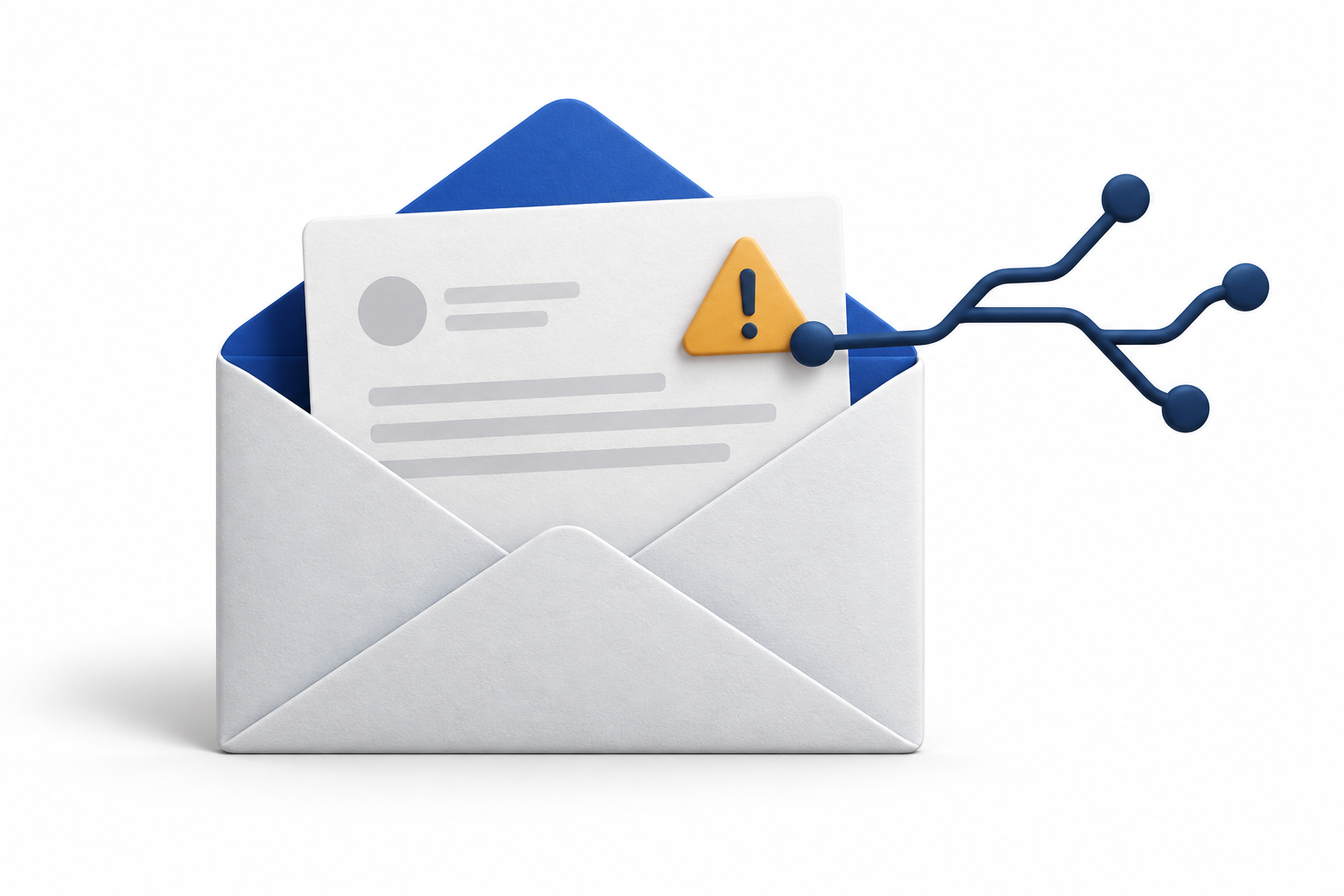
ShadowLeak involved connected enterprise Gmail and web access. Ordinary assistant tasks triggered the leak; the reported flaw was fixed.
For people using connected AI assistants
An email connection can include private messages, documents and account notices. Check what you’ve connected and which permissions need a closer look.
Six questions. The check doesn’t connect to your accounts or ask for a password.
Illustration of possible access
Access depends on its permissions
Which messages can it read?
Statements, attachments, conversations
Visibility varies by app and provider
An illustration, not a scan of your accounts.
Why these connections deserve a look
Researchers have demonstrated attacks that use text inside an email to influence an assistant. What happens next depends on the assistant’s tools, permissions and safeguards.
The check helps you identify what to review. It cannot tell whether an account has been compromised.
2025 research example.
The reported flaw was fixed.
The free check
Your answers highlight what to look at more closely. This check does not scan your accounts or determine whether they are secure.
Your estimated exposure
Your email answers differ. You reported no connection alongside email access, or a connection alongside no email access. Start again to review those details.
This is a review score based on reported access, not the chance of being hacked. It does not scan your accounts or verify their settings.
Our editorial rubric adds points for the access you report. It is not a validated security assessment.
Lower: 0–2. Moderate: 3–5. High: 6–10. Unknown answers produce the lowest and highest scores consistent with what you reported. Sign-in methods and approval requirements never cancel points for other reported access.
AI Exposure Review · PDF guide
The practical guide
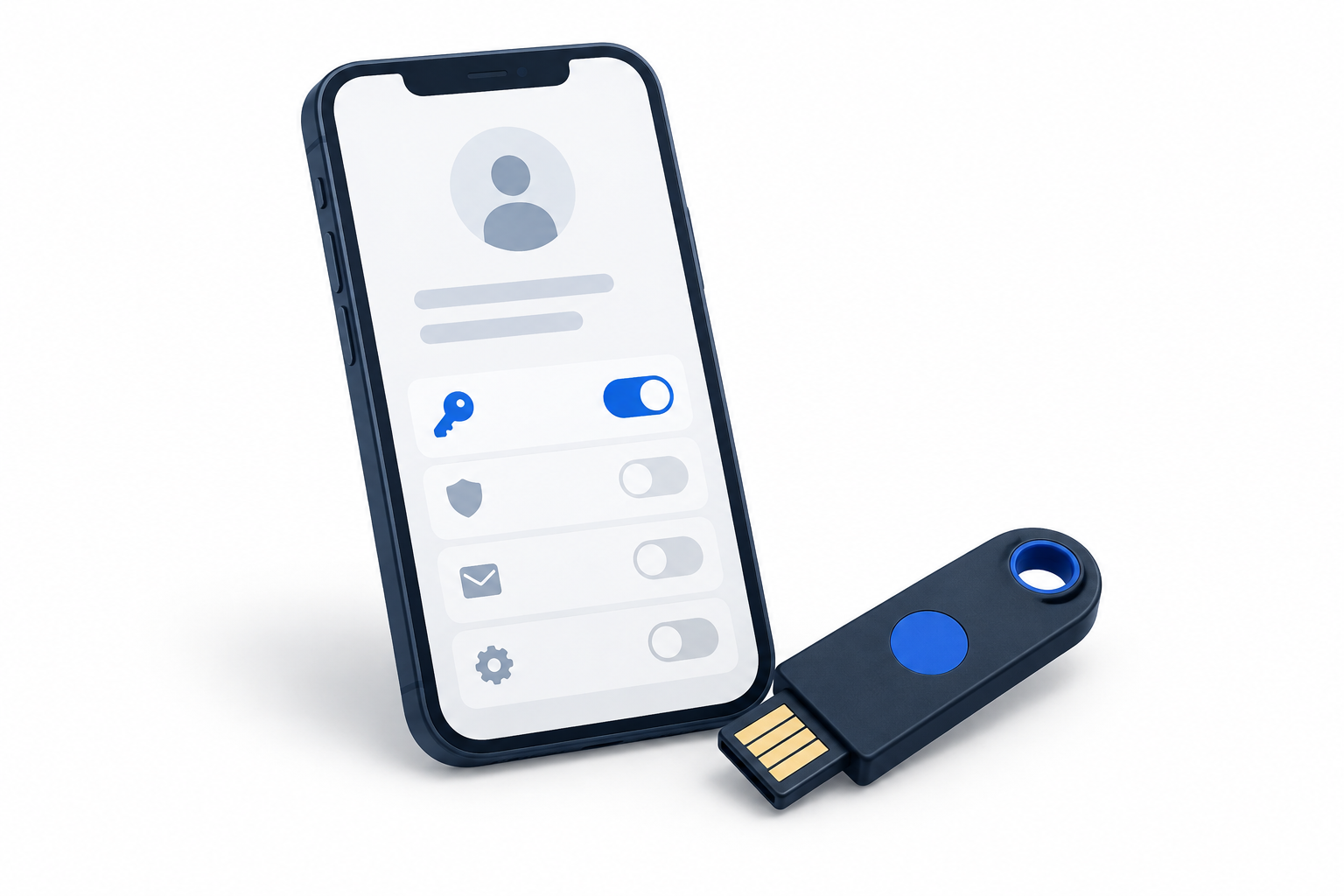
The guide covers email connections, account settings and sensitive documents in old mail. It includes a worksheet for your review.
The free PDF is being updated and is not yet available to download.
Ask about the guideEvidence, with context
Different incidents involve different kinds of access. None of these examples is a scan of your setup.
ShadowLeak involved connected enterprise Gmail and web access. Ordinary assistant tasks triggered the leak; the reported flaw was fixed.
A crafted email influenced Gemini’s summary. The demonstration concerned deceptive output, not a proven bank-account takeover.
No. It uses only the answers you select. It does not inspect your inbox, test your passwords or establish whether an account has been compromised.
The purpose is to understand the access you have allowed. Some changes may limit features; the right choice depends on the work you want your assistant to do.
Yes. The PDF will be free, with no payment or signup required. It is being updated before download is available.
No. This material focuses on selected AI connections and account-access risks. It does not cover every way an account can be compromised.